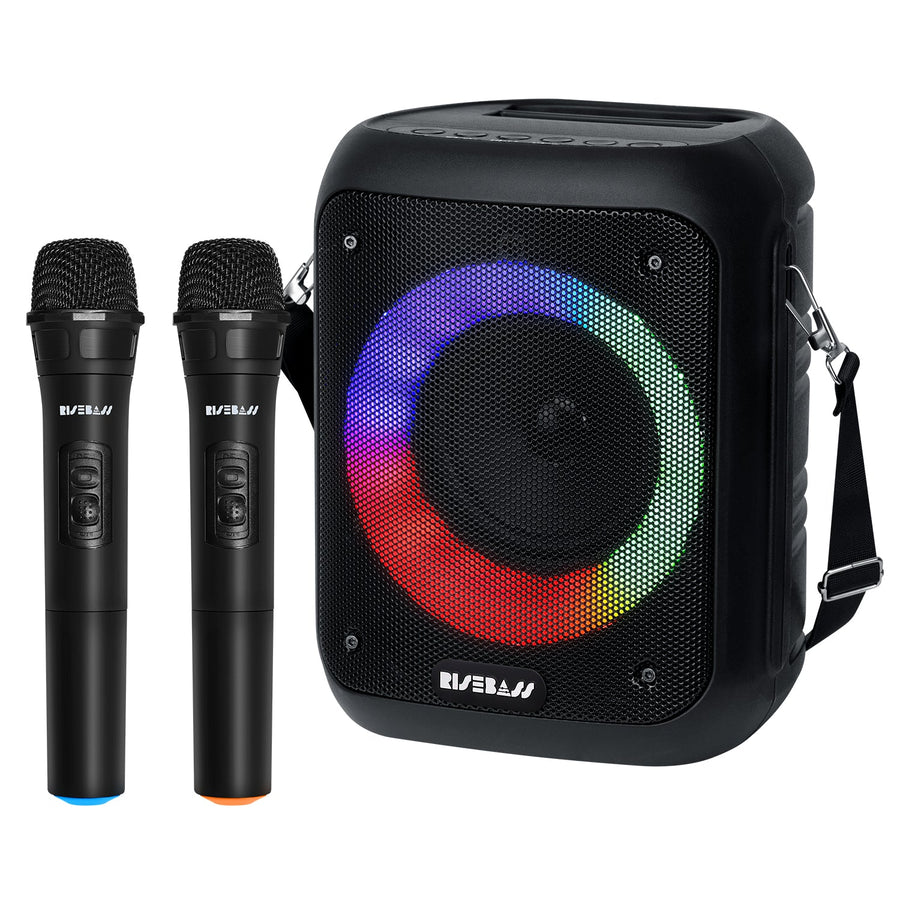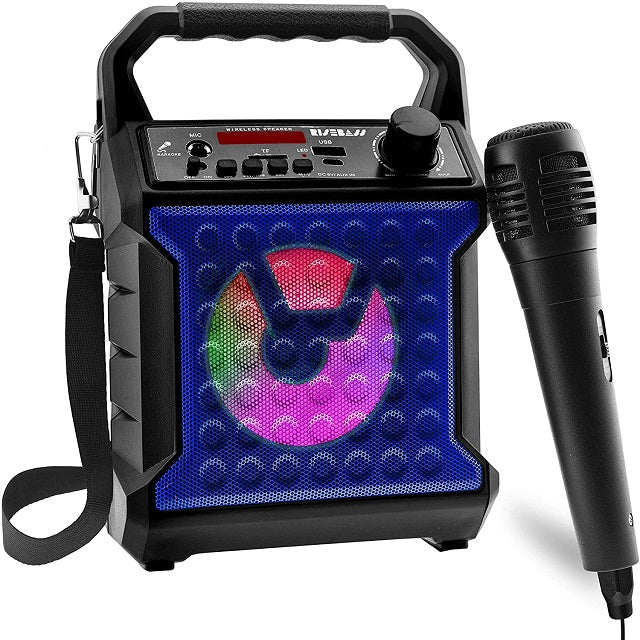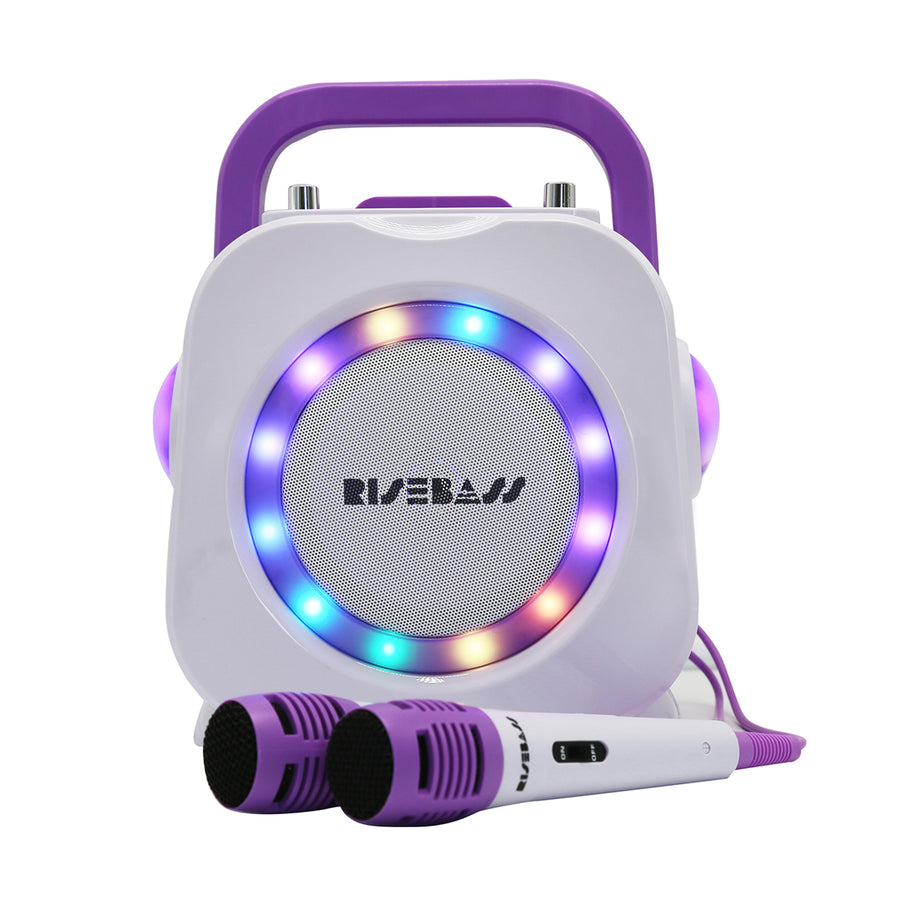
Karaoke Machine for Kids - Bluetooth Speaker with 2 Microphone - Portable Kids Karaoke Machine for Girls and Boys - Birthday Gift for Girls and Boys Ages 2 Years Old and Up.
€98,19


LED DIGITAL ALARM CLOCK
> Large LED screen display
> Brightness options : Bright, medium and dark
> Four-digit time display : Hour, minute (12/24 hour system)
> Snooze function, 5~60 minutes delayed can be set for unlimited times.
> Contains a CR2016 button battery. LED is bright when only USB power is supplied.
> Built-in two USB output ports, can charge two different mobile phones at the same time. (Available for Android or IOS systems)
About AM/PM Mode(This alarm clock will have AM/PM mode when it is in 12-hour mode.)
Here are the setup steps:
1.Press and hold "M" button for 3 seconds to enter setting mode.
2.Press “+” or “-” button to switch the 12 hours mode. (With PM indicator)
3.Press “+” button to set the morning time (Without PM indicator),or press “-” button to set the afternoon time (With PM indicator)
4.After the setting is completed, press “M”button to confirm.
Specification
Working Voltage : 3-5V
Size : 6.2 x 3.3 x 0.5 Inches
Style : Fashion, Modern, Stylish
Package List
1 x LED Digital Mirror Alarm Clock
1 x USB Cable
1 x User Manual
1 x Alarm clock bracket
1 x Pakage box
Tips:
1.The clock has a built-in button battery. it just could keep time memory when power off, couldn't support the digital clock light up. Saving your time to adjust the display time.
2.Please remove plastic insulator tab from button battery compartment in the back and connect the product with electricity by USB or Adapter.